

View the Home Page
Easily access the home page from anywhere in the UI by selecting the Composer logo in the upper left corner or by selecting Home on the top-level navigation banner.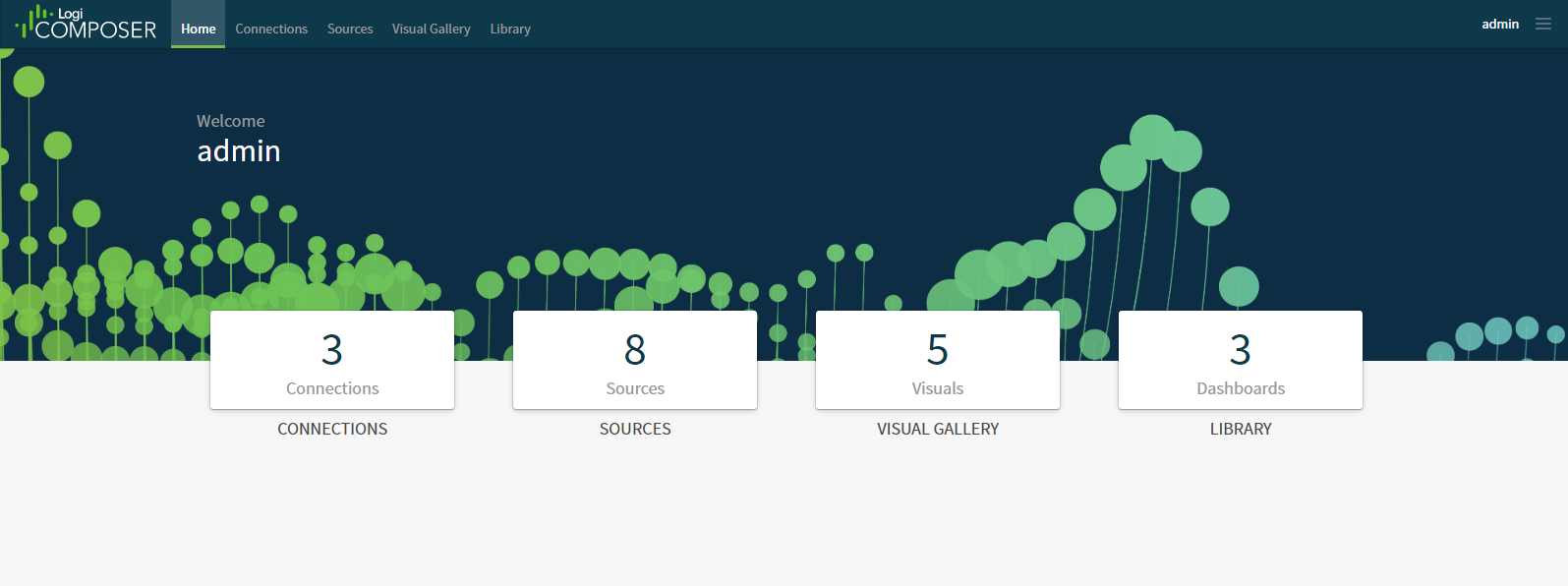
| Category | Description |
|---|---|
| Connections | Shows the number of connections defined in your environment. Select this box to manage connections to data stores. The Connections page appears. See Manage Data Discovery Data Store Connections. |
| Sources | Shows the number of data source configurations defined in your environment. Select this box to manage data source configurations. The Sources page appears. See Manage Visual Data Discovery Data Sources. |
| Visual Gallery | Shows the number of visuals defined in your environment. Select this box to manage visuals in the Visual Gallery. The Visuals page appears. See Manage Visuals and Use the Visual Gallery. |
| Library | Shows the number of dashboards defined in your library. Select the Dashboards: box to manage dashboards. The dashboard library appears. See Manage Dashboards and Use the Library for Dashboards. |
 ) to access the UI menu.